How people choose a gym
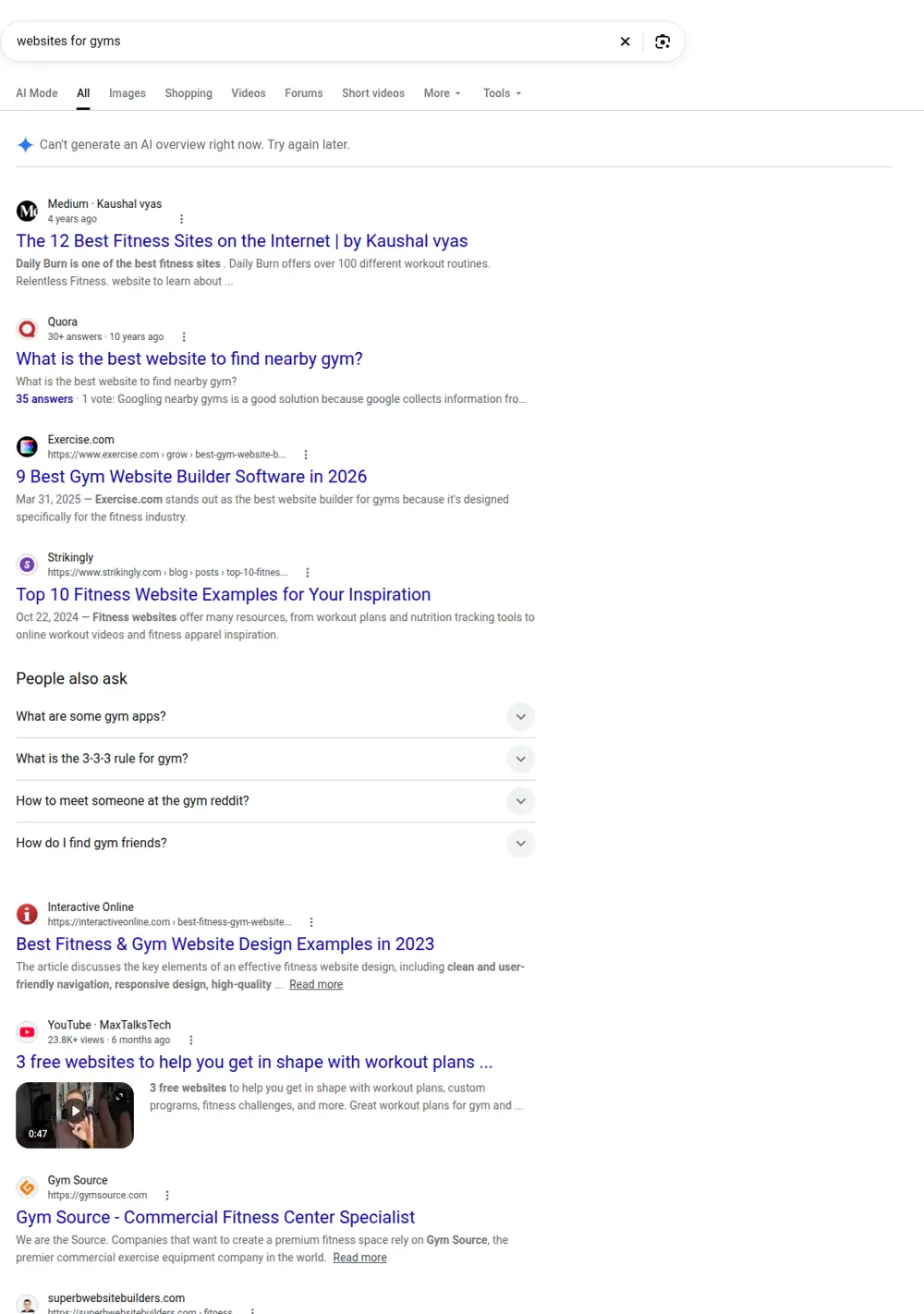
Most people join a gym near home or work. They search "gym" plus their neighborhood, look at a few options and narrow it down fast. The questions are practical: how much is it, when is it open, what classes are there, is it crowded, will I feel comfortable? If your website answers those, they'll book a trial. If not, they'll check the next gym on the map.
Searches for "gym" plus a city name are huge in big cities. New York leads this list with about 14,800 a month, followed by Austin at 6,600 and Houston, Dallas and San Antonio at about 5,400 each, per DataForSEO.
| What people type into Google | US searches per month |
|---|---|
| websites for gyms | 590 |
| fitness website | 1,300 |
| gym website templates | 140 |
| fitness website design | 70 |
"Fitness website" gets about 1,300 searches a month and "websites for gyms" and "gym website" about 590 each, per DataForSEO. "Gym website templates" gets about 140, and "gym website design" and "fitness website design" about 70 each. A few people search for the "best gym website" to compare.
Pages a gym website needs
Home page
A photo or short video of your real space, your location, a one-line description of what makes you different (strength, CrossFit, boutique classes, 24-hour access, women-only, family friendly) and a "start your free trial" button. Below: classes, memberships, coaches and reviews.
Memberships and prices
The page people look for most. List each plan with what's included: access hours, classes, guest passes, freezes, contract length and cancellation terms. Hidden prices make people assume the worst. If you have promotions, show the regular price too.
Class schedule
A schedule synced from your booking software, so it's always current. Let people filter by class type, coach and time. Each class type should link to a short page explaining what it involves, the level and what to bring.
Free trial or first class
A short form with name, email, phone and preferred time, or a direct booking for the first class. Say exactly what happens on the first visit.
Coaches and trainers
Real photos, certifications, specialties and a few lines about each person. Personal training clients often choose a trainer before a gym.
Personal training
Packages, prices or starting prices and how to book a consultation.
Facilities
Photos of each area: weights, cardio, studios, locker rooms, parking. People want to see the space before they visit.
Locations
If you have more than one, each location gets its own page with address, hours, photos, schedule and the manager's name.
Connecting your gym software
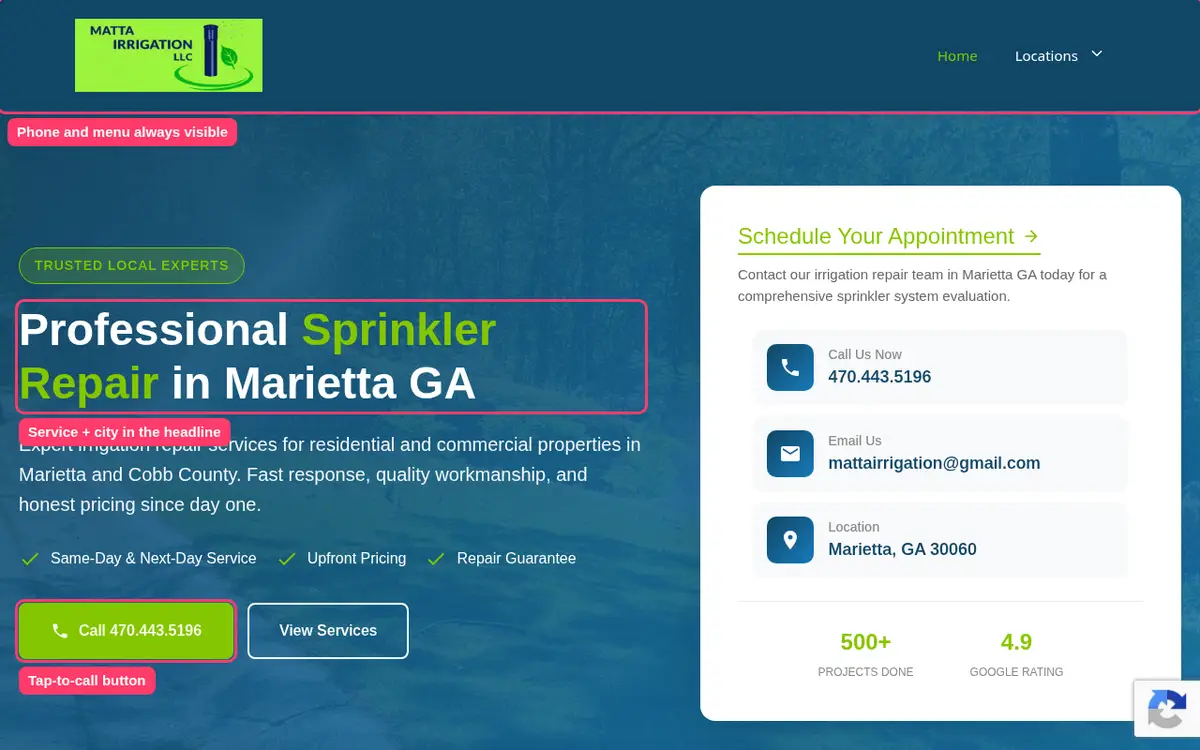
Most gyms use software like Mindbody, Glofox, Zen Planner or PushPress for schedules, bookings and payments. We embed or link those tools so the schedule and sign-ups always match what's in your system, while the rest of the site loads fast and looks like your brand.
Fitness studios and specialty gyms
Boutique studios for yoga, pilates, cycling, boxing or barre need a stronger focus on the class experience: what a class feels like, intro offers and first-timer guides. CrossFit and strength gyms often emphasize coaching, community and on-ramp programs. Personal training studios focus on trainers and results.
Gym website templates
Gym website templates and themes give you bold layouts with dark backgrounds and big type, and many gyms use them. The problem is often stock photos of models who don't train at your gym. Swap them for your own members and coaches and add a real schedule and prices.
Turning trials into members
A free trial only works if the first visit goes well, and the website can help prepare it. After someone signs up, send a short confirmation that tells them where to park, what to bring, who will meet them and what the first session involves. On the site, a "first visit" page with the same information reduces nerves, especially for people who haven't trained in years.
Then make the next step clear. A page with an intro offer for new members, like a discounted first month or a starter package with a few personal training sessions, gives trial visitors a reason to join that week.
Reviews and community
Gyms sell community as much as equipment. Show it: photos from events and challenges, member stories with their permission and reviews that mention coaches by name. Link to your Google Business Profile so visitors can see all your reviews, and ask new members for a review after their first month, when they're most enthusiastic.
Local search for gyms
Because people search by neighborhood, your Google Business Profile and your website need to agree. Same name, address, phone number and hours. Add the neighborhoods and landmarks near you on your location page, like "two blocks from the train station" or "next to the shopping center". If you have parking or are open 24 hours, say so clearly. These details help Google match your gym to "gym near me" searches.
Corporate and group memberships
Many gyms grow through partnerships with local businesses, schools and clubs. A page explaining corporate memberships, group rates and team training, with a short inquiry form, opens a channel most gym websites ignore. Include who it's for, how billing works and how many people you need to qualify.
Kids, teens and seniors
If you run programs for kids, teens or older adults, give each one a page. Parents want to know about safety, coaches' experience and schedules. Older adults want to know the pace, whether there's support for beginners and if classes are adapted for joint or mobility issues. These groups search with specific words, and dedicated pages help them find you.
Personal training pages that sell
Personal training is often where a gym earns the most per member, but many gym websites mention it in one line. A dedicated page should explain how sessions work, who the trainers are, how goals are set and tracked, and what packages cost. Add a short form to book a free consultation and a few stories from clients who reached a goal. Trainers can share the page directly with people who ask about sessions.
Hours, holidays and parking
Small details decide whether someone visits. Keep opening hours accurate, including holiday hours, and update them on Google at the same time. Explain parking, bike storage and public transport options on the location page. These answers save calls to the front desk and remove reasons not to come.
Seasonal campaigns
January and the weeks before summer bring the most new members. Plan a landing page for each campaign with the offer, the deadline and a simple sign-up. When the campaign ends, update the page so nobody finds an expired deal.
Common mistakes on gym websites
- No prices anywhere.
- A schedule from last season.
- Stock photos that don't match the gym.
- A free trial button that leads to a generic contact form.
- Hours missing or out of date on the site and on Google.
Real Search Console data
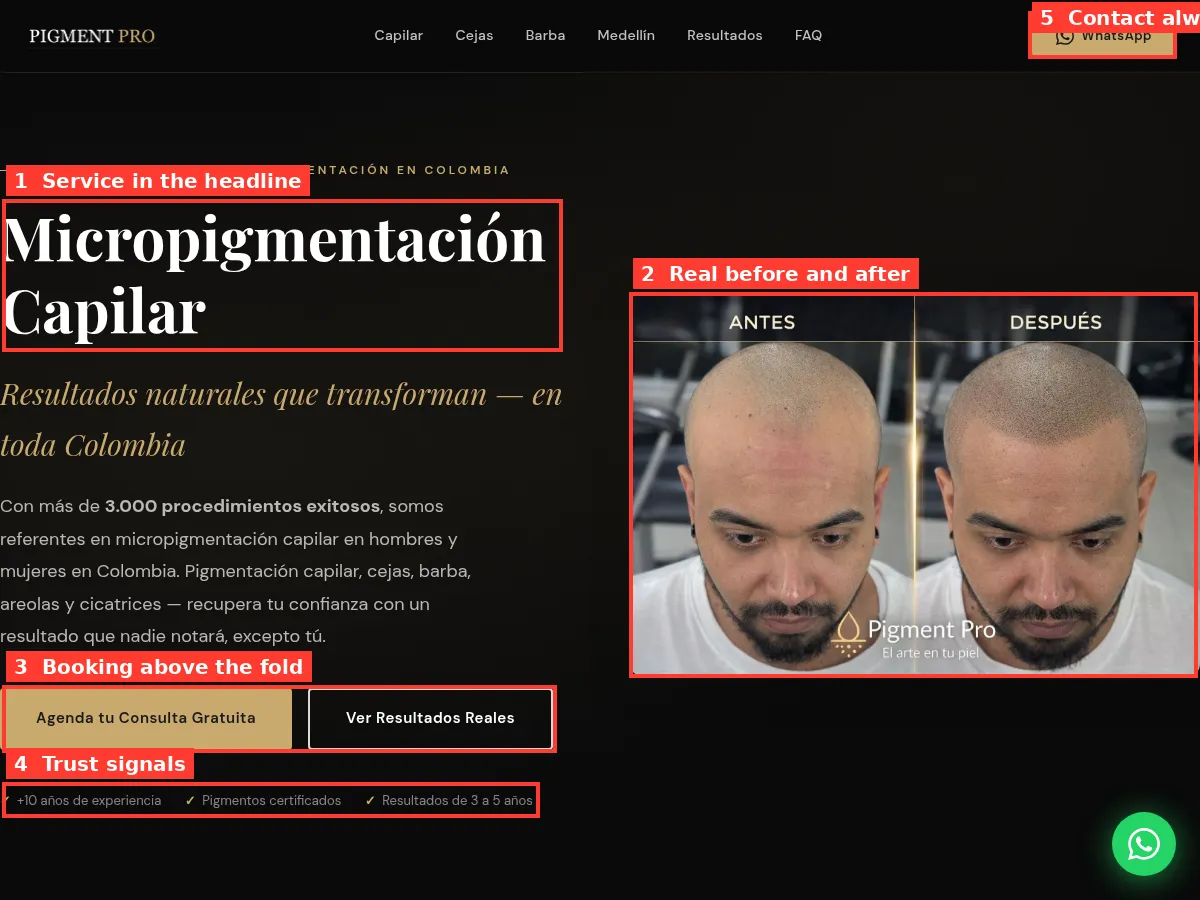
This is from a local business site we built. It shows how traffic grows as each service and location page starts to rank.
How the build works
You price the site with the calculator. We agree on the pages and connect to your booking software. You send photos of the space and coaches, membership details and class descriptions. We write and build the site, you review it and we launch and connect your Google Business Profile.
Price
$299 for the base site and $15 per extra page, with a $630 limit. Memberships, schedule, five class pages, personal training, coaches and facilities add ten pages, so $449.