What a nonprofit website has to do
A nonprofit website serves more audiences than almost any other kind of site. Donors want to know their money makes a difference. Volunteers want to know how to help and when. The people you serve want to know how to get help. Funders and partners want your mission, your results and your financial transparency. Local media want a contact and a story.
All of them need to understand what you do within a few seconds. That's the first job of nonprofit website design.
Searches for "nonprofit" plus a city name show how much local interest there is. New York leads this list with about 2,400 a month, followed by Chicago at 1,600 and Houston at 1,000, per DataForSEO.
| What people type into Google | US searches per month |
|---|---|
| nonprofit website design | 720 |
| nonprofit website | 1,900 |
| build nonprofit website | 590 |
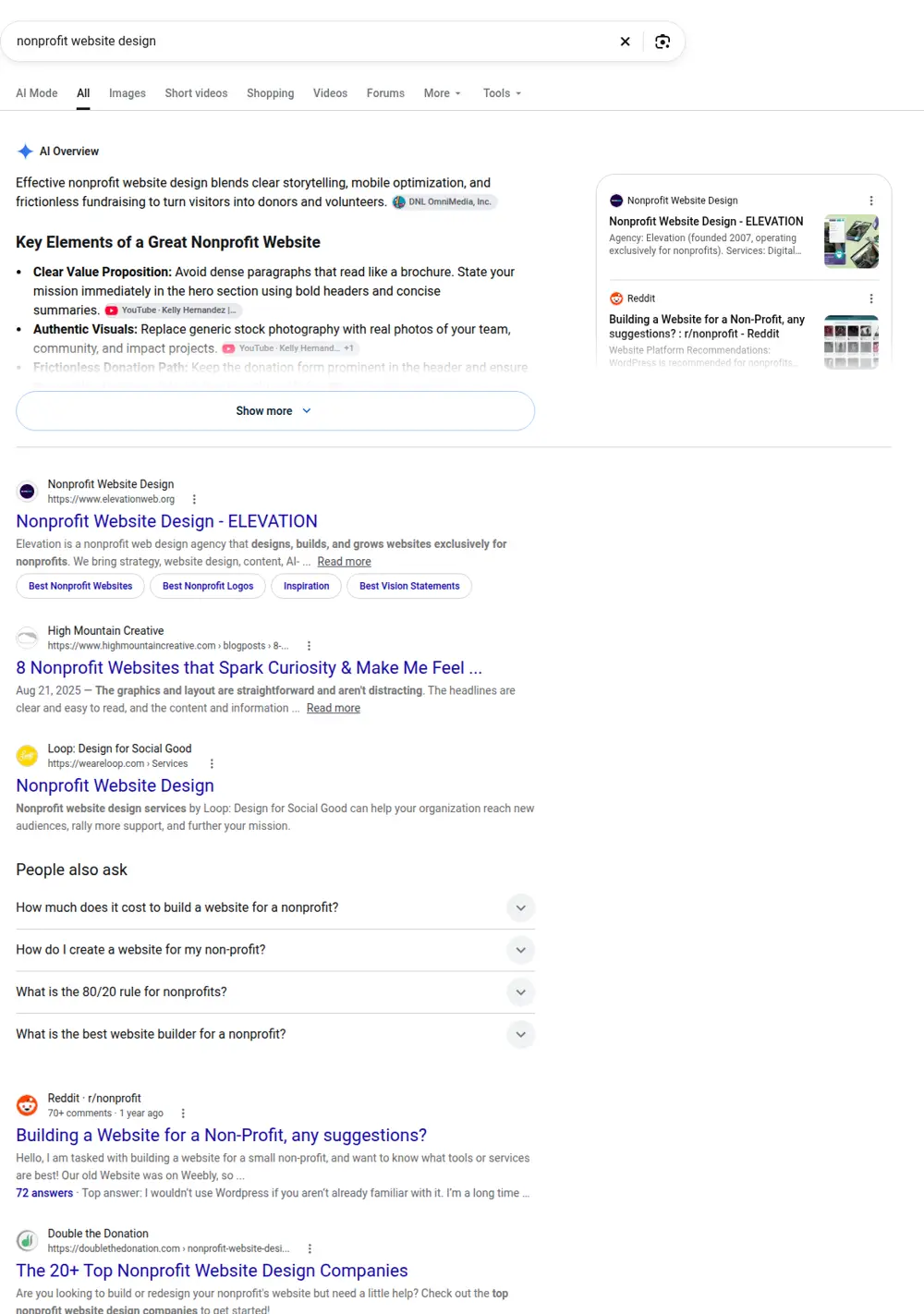
"Nonprofit website" gets about 1,900 searches a month, and "nonprofit website design" and "web design for nonprofits" about 720 each. "Build nonprofit website" gets about 590. People also look for "nonprofit website examples" (about 320 a month) and for a "nonprofit donation website" (about 210), per DataForSEO.
Pages a nonprofit website needs
Home page
A single clear sentence about your mission, a strong photo of your real work, a donate button and two or three ways in: get help, volunteer, give. Below that, a short impact summary and one story.
About and mission
Your mission, history, the community you serve, your leadership and board, and your values. Keep it human. A paragraph from your founder or director often works better than a formal statement.
Programs
A page for each program or service, with who it's for, what it involves, where and when it happens and how to access it. People looking for help need practical information first.
Impact
Numbers and stories. How many people you served, meals provided, trees planted, students tutored. Pair each number with a real story and a photo, with consent. Donors remember stories, and funders want numbers.
Donate
The most important page for your budget. Keep it simple: suggested amounts, a clear explanation of what each amount does, monthly giving as an option, and a form with as few fields as possible. Show your tax status and how donations are used. Most nonprofits already use a donation platform, and we connect it rather than building payments from scratch.
Volunteer
Opportunities, time commitments, requirements (like background checks or age limits) and a sign-up form or link to your volunteer software.
Events
Fundraisers, community events and volunteer days with dates, places and registration. Past events move to an archive with photos.
News and stories
Updates, success stories and announcements. Even one post a month keeps the site alive and gives you something to share.
Transparency
Annual reports, financial statements or a link to your public filings, and your board list. Larger donors and foundations look for these.
Making the donation page work
A few details make a big difference on donation pages:
- One clear goal. Don't ask people to donate, sign a petition and follow you on social media on the same screen.
- Explain the impact of amounts. "$25 provides a week of meals for one child" is more motivating than an empty amount field.
- Offer monthly giving. Recurring donors give more over time and are easier to plan around.
- Keep it short. Name, email, payment and an optional dedication. Ask for more later.
- Thank people immediately. A real thank-you page and email, with a story, start the relationship well.
- Show trust. Tax status, a short note on how funds are used and a contact for questions.
Nonprofit website examples: what works
When we look at nonprofit website examples that donors respond to, the same traits come up. The mission is clear in one sentence. Photos show real people and places, not stock images. Every page has a path to give or get involved. Impact is shown with both numbers and faces. And the site is easy to read on a phone, because many donors give from their phones after seeing a post or email.
Nonprofit website builders and templates
Nonprofit website builders and templates are popular, especially for small organizations with no budget. Many come bundled with donation tools. They can work, but they often produce sites that look like every other charity, with buried program information and slow pages. If you use a builder, focus on the mission statement, real photos and a simple donation page. Those three things matter most.
Accessibility and language
Nonprofits serve everyone, so the website should be usable by everyone. Readable text, good contrast, alt text on images, captions on videos and forms that work with screen readers. If the community you serve speaks another language, key pages like programs and "get help" should be available in that language too. We build nonprofit sites in English, Spanish or both.
Small budgets and volunteer teams
Many nonprofits are run by a small staff and volunteers. The website needs to be easy to update: adding an event, posting a story or changing a program time should take minutes. We set it up that way and keep hosting costs low. Some nonprofits qualify for free or discounted tools, like donated software or nonprofit pricing on email platforms, and we can work with those.
Campaign pages for fundraising
Year-end appeals, giving days, capital campaigns and emergency appeals each deserve their own page. A campaign page has a clear goal, a deadline, a short story about why it matters now, a progress bar if your tools support it and a donation form set up for that campaign. When the campaign ends, update the page with the result and a thank-you. Donors like to see that their gift reached a goal, and it makes the next campaign easier.
Peer-to-peer and event fundraising
Runs, walks, galas and birthday fundraisers let supporters raise money from their own networks. If you use a peer-to-peer platform, link it from the event page and explain how to create a personal fundraising page. Share a few tips for fundraisers, like setting a personal goal and telling their own story. The website becomes the hub that connects the event, the platform and your organization.
Pages for funders and partners
Foundations, corporate sponsors and government funders look for different things than individual donors. A page for partners can include your theory of change, the outcomes you measure, recent reports, sponsorship opportunities and a contact for grants. Corporate partners often want to know how they'll be recognized and how their employees can volunteer. Making this information easy to find saves your development team time and makes a good first impression.
Getting help: the page many nonprofits forget
If you provide services, someone in a difficult moment may visit your site looking for help. That page should be easy to find from the home page, written in plain language and practical: who qualifies, what to bring, where to go, hours, phone number and what happens next. If your services involve sensitive situations, like domestic violence or immigration, consider a quick-exit button and avoid tracking scripts on those pages.
Telling stories with consent
Stories are the heart of a nonprofit website, but the people in them deserve respect. Ask for written consent before using names, photos or details. Offer options like first names only, changed names or photos that don't show faces. Let people tell their story in their own words where possible. Donors respond to honesty and dignity, not to images designed to make them feel guilty.
Google Ad Grants
Eligible nonprofits can apply for Google Ad Grants, which provides free search advertising on Google. To use it well, the website needs clear pages for each program and a good donation or volunteer page for the ads to point to. We build sites with that structure, so if you apply, your ads have somewhere useful to send people.
Email and donor follow-up
Most donors don't give again unless someone thanks them and keeps them informed. Connect the website's donation and signup forms to your email tool, set up an automatic thank-you and send a short update a few weeks later showing what their gift did. A monthly or quarterly newsletter with one story and one ask keeps supporters close without overwhelming them.
Board and staff pages
Donors and funders want to know who leads the organization. A board and staff page with names, roles, photos and a sentence about each person adds trust. Include how to contact the executive director and, if you're recruiting board members, what the role involves and how to express interest.
Measuring what the website does
Small nonprofits rarely have time for analytics, but a few numbers tell you a lot: how many people visit the donate page, how many complete a donation, how many volunteer sign-ups come from the site and which pages people find through Google. We connect Search Console and simple analytics so you can see these each month and report them to your board.
Corporate matching and in-kind gifts
Many employers match their employees' donations, and many donors don't know it. A short section on the donation page encouraging people to check with their employer, with a link to a matching-gift lookup if your platform offers one, can raise extra money with no added effort. If you accept in-kind donations, like food, clothing, equipment or professional services, list what you need right now and what you can't accept, with drop-off hours and an address. Updating that list regularly saves your team from turning away unwanted items.
Common mistakes on nonprofit websites
- A mission statement full of jargon.
- A donate button that leads to a confusing third-party page.
- Program details buried in a PDF.
- Stock photos of people who aren't your community.
- An events page with nothing upcoming.
- No information for people who need your services.
Real Search Console data
This is from a local organization site we built. It shows traffic building over the months after launch as program and service pages start to rank.
How we build your nonprofit website
You price the site with the calculator. We agree on the pages, starting with mission, programs and donate. Your team sends photos, program details, impact numbers and stories, and access to your donation and volunteer tools. We write the content in plain language, build the site and send a draft. After your team approves, we launch and connect Search Console and your Google Business Profile.
Price
The base price is $299, with $15 for every extra page and a cap of $630. About, four programs, impact, donate, volunteer, events and transparency add ten pages: $299 + $150 = $449.